

Library users need to be assigned a registration group in the system. Existing registration groups can be viewed and edited from Users > Add/Remove Registration Groups.
Read the Customer Help Guide on Adding/Removing Registration Groups.
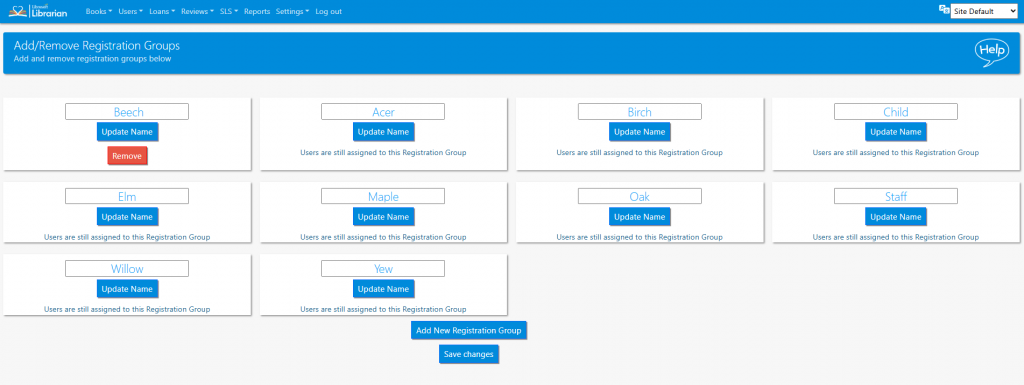
To update the name of a registration group, enter the new name into the text box and click the Update Name button. Remember to Save Changes too.
Adding new registration groups is usually taken care of by the SMaRT system, but new groups can be added manually by clicking the Add New Registration Group button.
Empty groups can be removed by clicking the red Remove button.
Tasks
- Create a new registration group
- Change the name of the group