

All Librarian and Librarian+ customers can add notes about students. They would do this by going to Student Details or Staff Details > Select Action > View/Edit Note. However, only Librarian+ customers can view all user notes in one place. These can be viewed by going to Users > View all Notes.
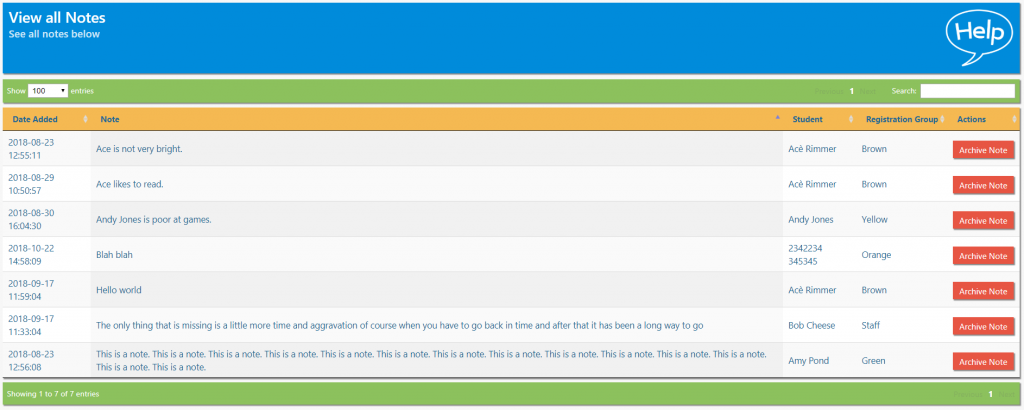
As with other areas of the library system, the list can be sorted by toggling the different columns. Notes can be archived by clicking the Archive Note button.
Tasks
- Based on information already given, how might you add a note for a library user? Once you have figured this out, add notes for a couple of library users
- Sort the list by registration group
- Archive a note