Help Centre
On every library site, librarians can click on the Help Bubble (Librarian) or Help Menu (Librarian+). This takes them through to the Help Centre where there are written guides, some with videos, to help customers use the system.
Support tickets
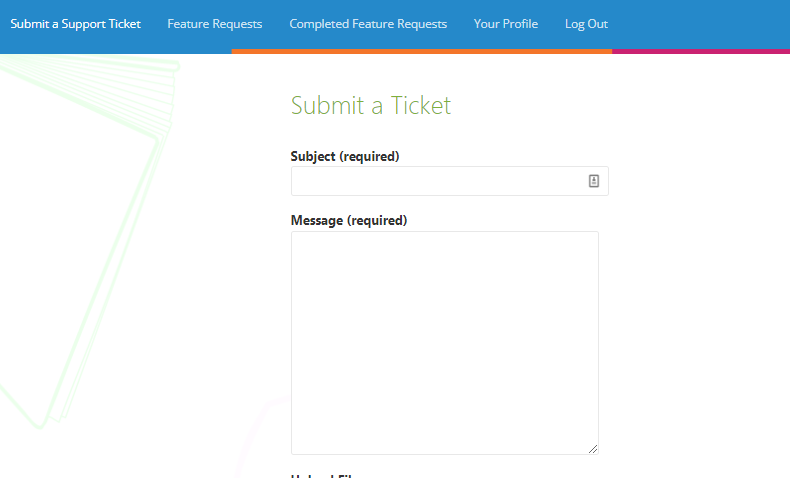
If librarians are experiencing an issue with the system or have a question, they can fill in and submit a support ticket to us. This option can be found by clicking on either the Help Bubble (Librarian) or Help Menu (Librarian+). Support tickets are emailed straight through to the Helpdesk, and are dealt with by the support team.
Email or call Support
Librarians can also email the support team directly at support@libresoft.co.uk or call us on 0330 223 4020.