

All books that have been removed from the catalogue for any reason are displayed in this list. The list can be sorted by clicking on any of the column headings, filtered to only show Lost, Removed or Returned to SLS books, or searched.
Read the Customer Help Guide on Viewing Removed/Lost Books.
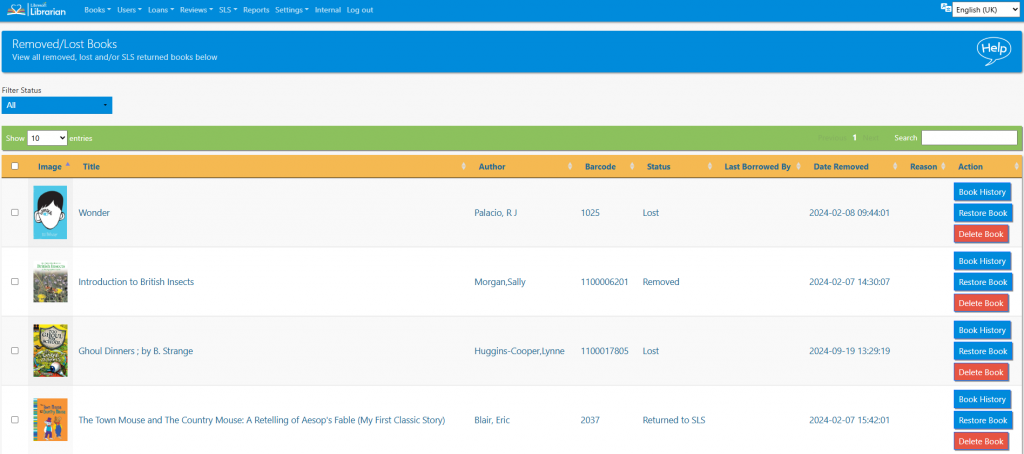
Book history can be viewed and a book can be restored to the Catalogue by clicking the Restore Book button.
Books can be permanently removed from the system using the Delete Book button. This is sometimes done in order to “free up” a particular barcode number, but it does mean that the loan history for that book is lost.
Tasks
- Search the list for a lost book and restore it
- Make a note of the barcode for a lost book. Now try to loan this book to a student. What happens?
- Filter the list to only show removed books
- Sort that list by author