

Libresoft Librarian is a database at its core. It is therefore possible to extract data from the system using reports.
Read the Customer Help Guide on Reports.
Librarians often want to run reports to understand how the library system is being used. Common reports that librarians ask for include:
- Most borrowed books
- Loans by registration group
- Top borrowers of the year
- Loans to a particular group (registration group/Pupil Premium users etc.)
There are some pre-set report templates in the system. Librarians can also create their own report templates which are saved in the system once created.
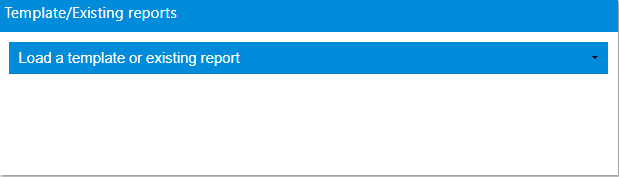
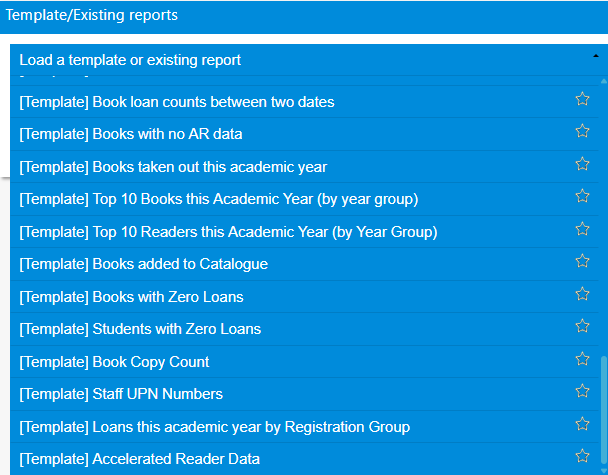
Select a report from the drop down list
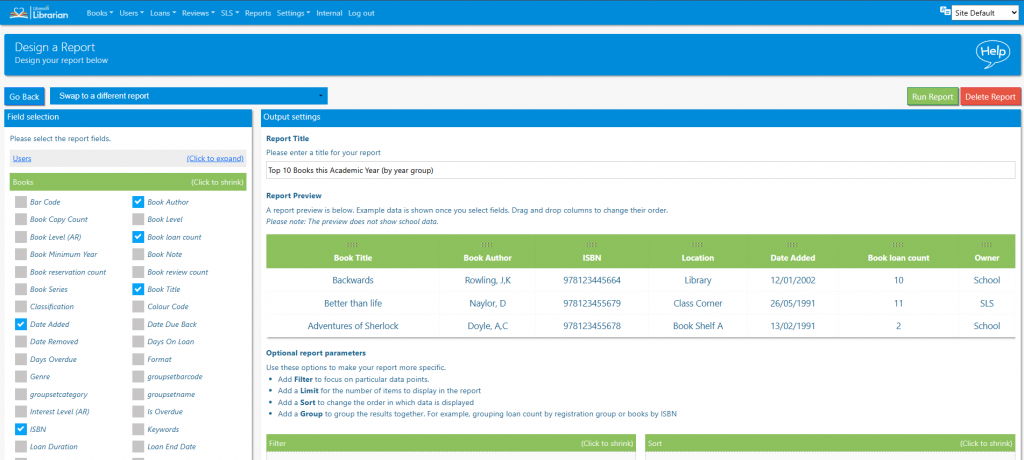
and click Run Report.
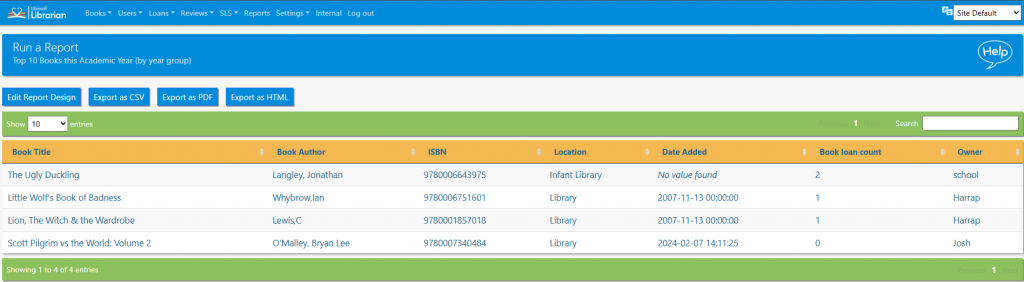
The results of the report can be sorted and searched in the normal way.
The report can be exported and saved as either a CSV file, PDF file or HTML file. Clicking the Edit Report design button enables a user to edit the design of the report (see next lesson).
Tasks
- Watch the video on the Reports Help Guide
- Run one of the report templates
- Adjust a field or filter on a report template and save a copy
- Export a report as a pdf file and csv