

Schools sometimes borrow books from a School Library Service (SLS). They can return books to the SLS from the Return Books to SLS page.
Read the Customer Help Guide on Returning Books to the SLS.
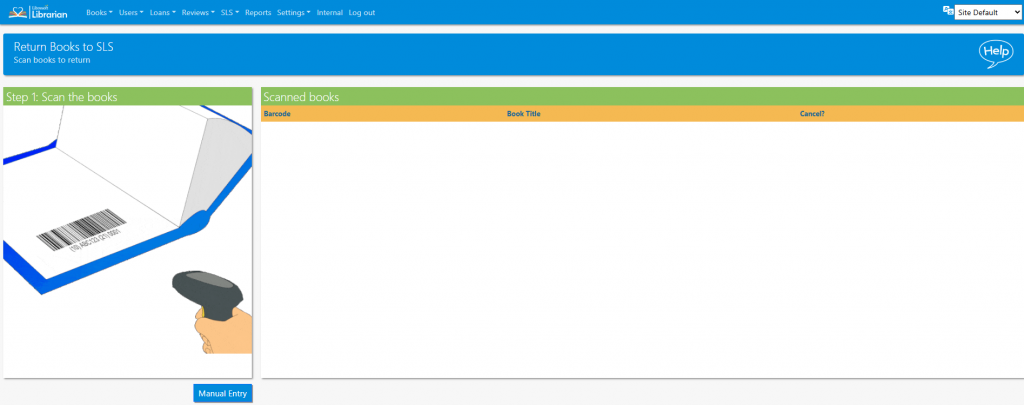
- Scan the books that are to be returned, they will appear in the list as they are scanned.
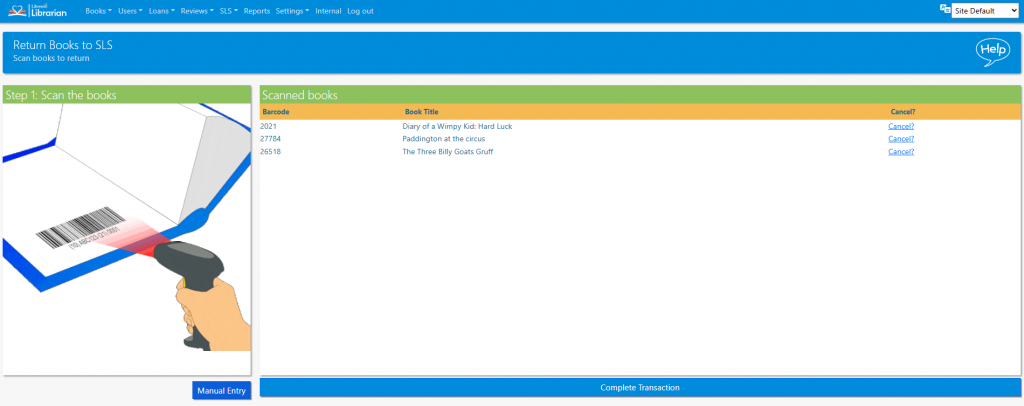
- Once all books have been scanned click the Complete Transaction button. At this point an SLS return log is created.
- The books have now been added to the Removed / Lost books list, and marked as Returned to SLS. They can be restored should the book be borrowed from the SLS in the future.
Tasks
- Return some books to SLS
- Check what happens if you try to return a book to the SLS where the Owner is not set as an SLS