

The Librarian uses the Quick Borrow/Return function to loan and return books.
You can access the Quick Borrow/Return function on the login home page.
Alternatively go to “Quick Borrow/Return” in the “Books” menu.
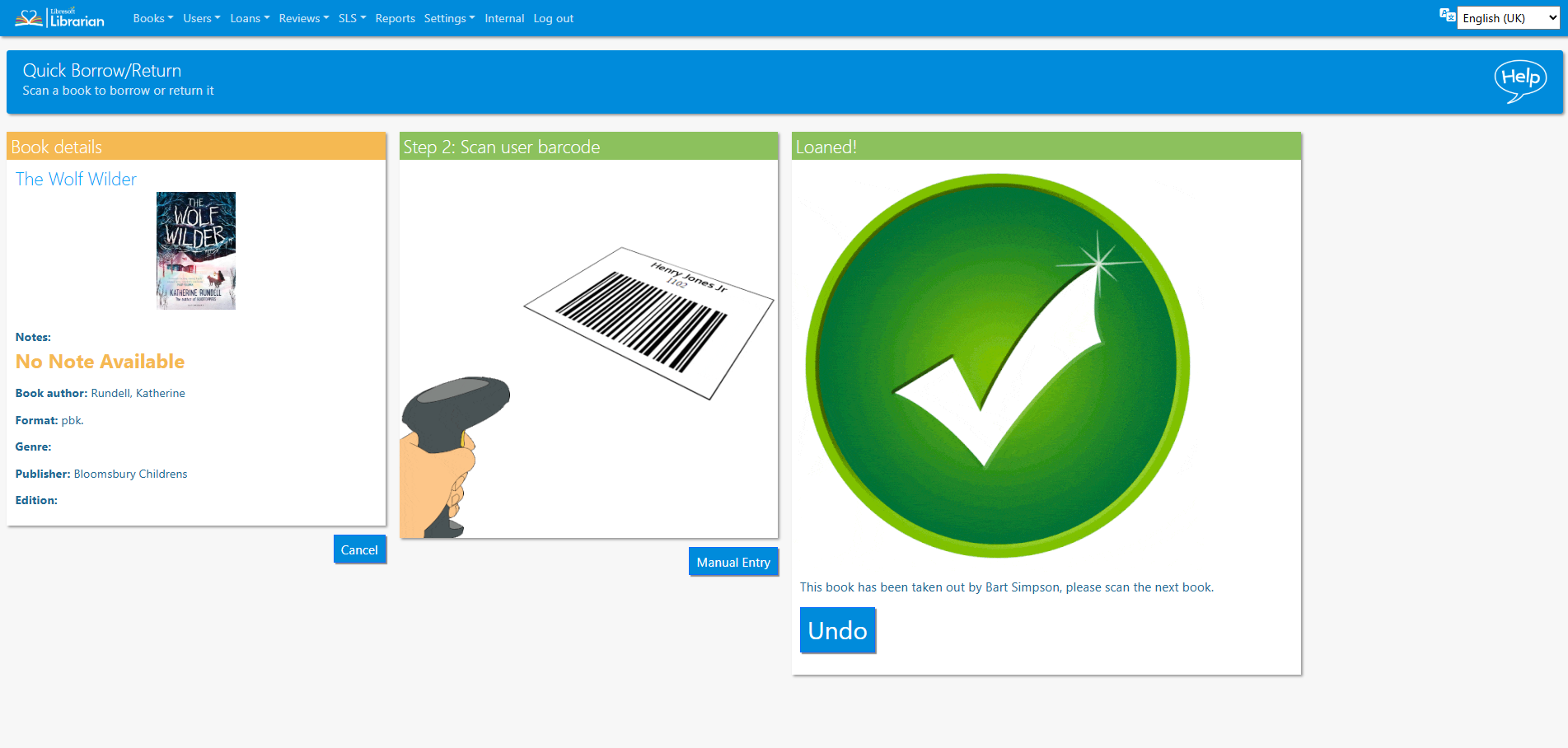
The librarian user can also enter the barcode values manually.

Read the Customer Help Guide on the Quick/Borrow Return function.
Tasks
- Loan and return a book
- Enter a barcode manually to return the book
- Use the user search (Librarian+) feature to loan a book
- Pro Tip: Librarian+ users can use a surname search to identify a student.