

Books can be removed individually or in bulk.
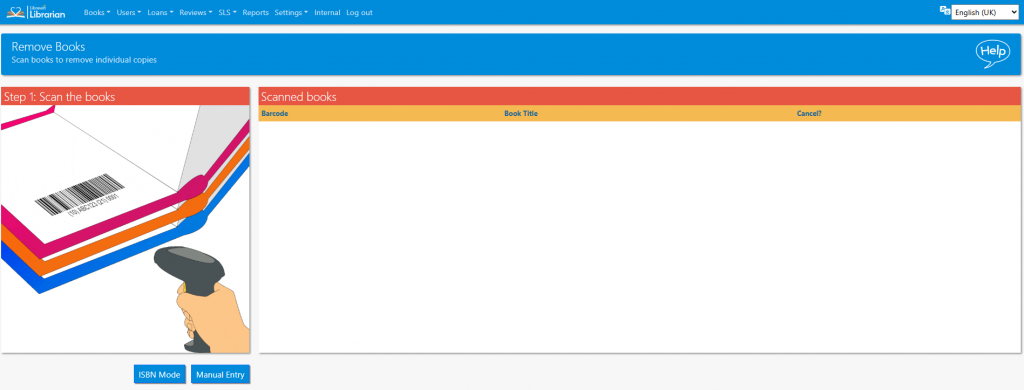
Scan the internal barcode of each book that is to be removed
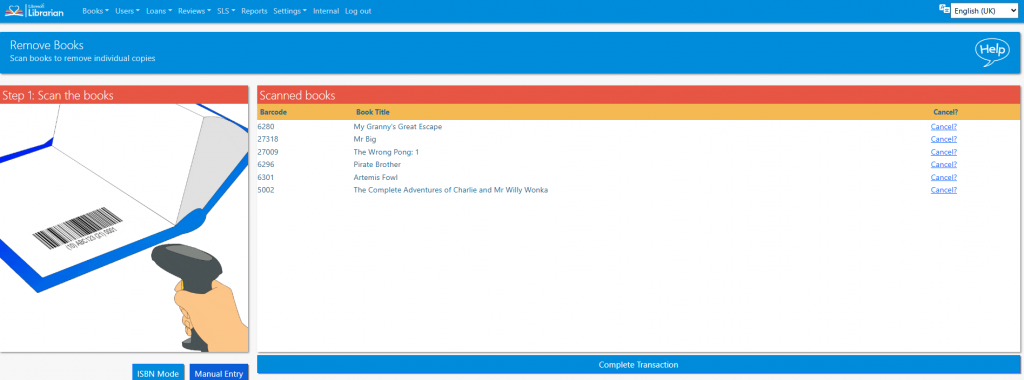
Click Complete Transaction to finish
Read the Customer Help Guide on Removing Books.
Tasks
- Remove some books from the library
- Restore the books you just removed
- Remove multiple copies of a single book by switching to ISBN mode (restore them afterwards)
- Remove an individual book from the Catalogue. Include a note
- Mark an individual book as lost from the Catalogue. Include a note
- Remove multiple books from the Catalogue. Restore them afterwards!