

The Catalogue displays all the library books. You can also edit books in multiple ways on this page. Many functions are available from the drop-down Actions menu.
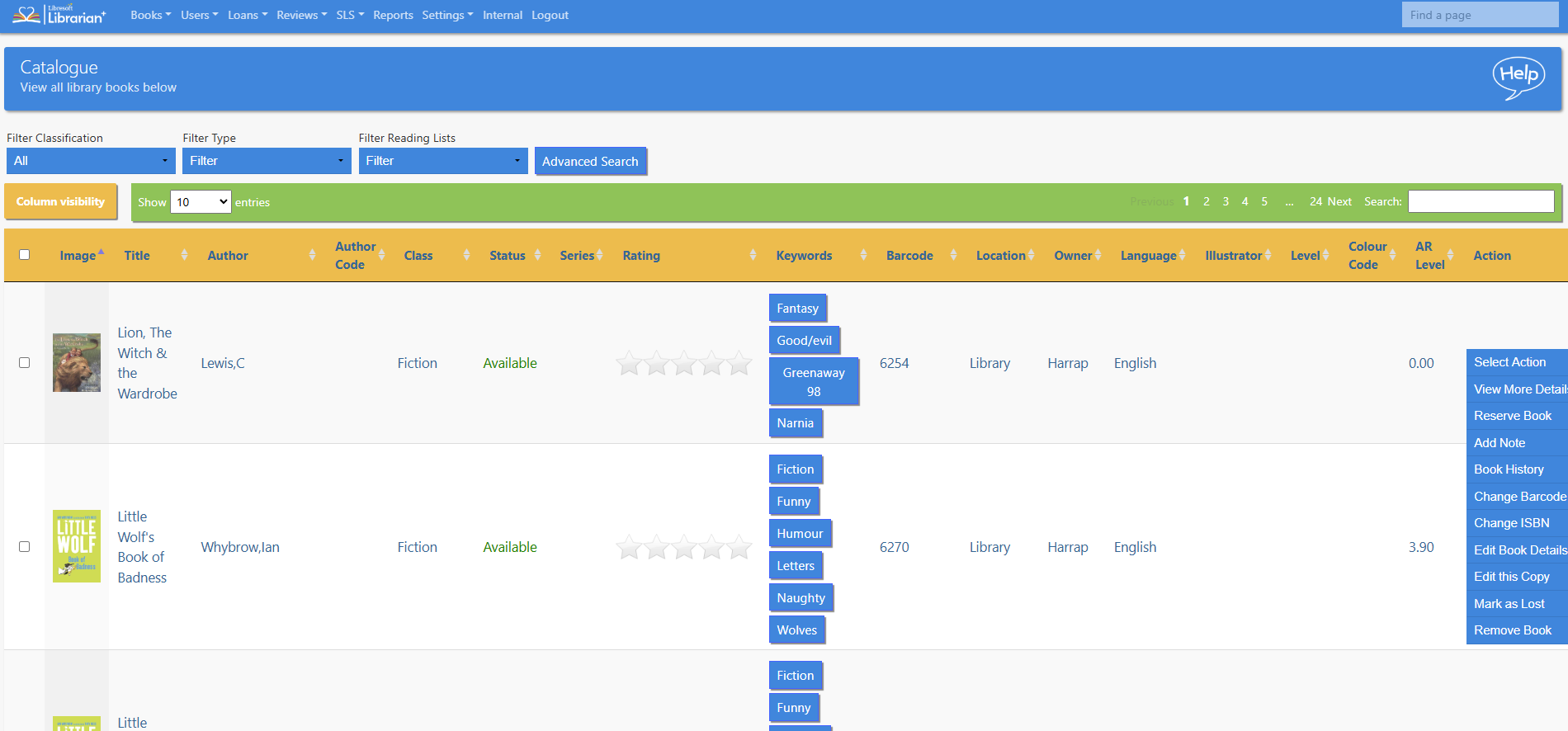
The list can be sorted by clicking on any of the column headings and column visibility can be adjusted with the Column Visibility button.
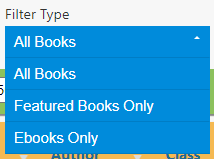
Wheelers E-Platform is supported. If a school has an account with Wheelers it can be linked to Librarian and their catalogue of ebooks will be included in the Librarian Catalogue. These can be displayed easily by using the Filter Type drop-down menu and selecting Ebooks Only.
Read the Customer Help Guide on the Catalogue.
Tasks
- Find all the books about plants using a keyword search
- Once you have performed a keyword search how do you reset it?
- How would you find similar books to a book you have just read?
- Edit a book
- Edit a copy of a book
- Try out the Advanced Search function