

Batch Return is ideal when a librarian returns to the library to find a pile of books on the desk and does not know their current loan status. The system will determine which course of action to take (return the book, restore it from the lost list, or do nothing) and the books can be returned to the shelves.
Simply select “Batch Return” from the “Books” menu and begin scanning the books.
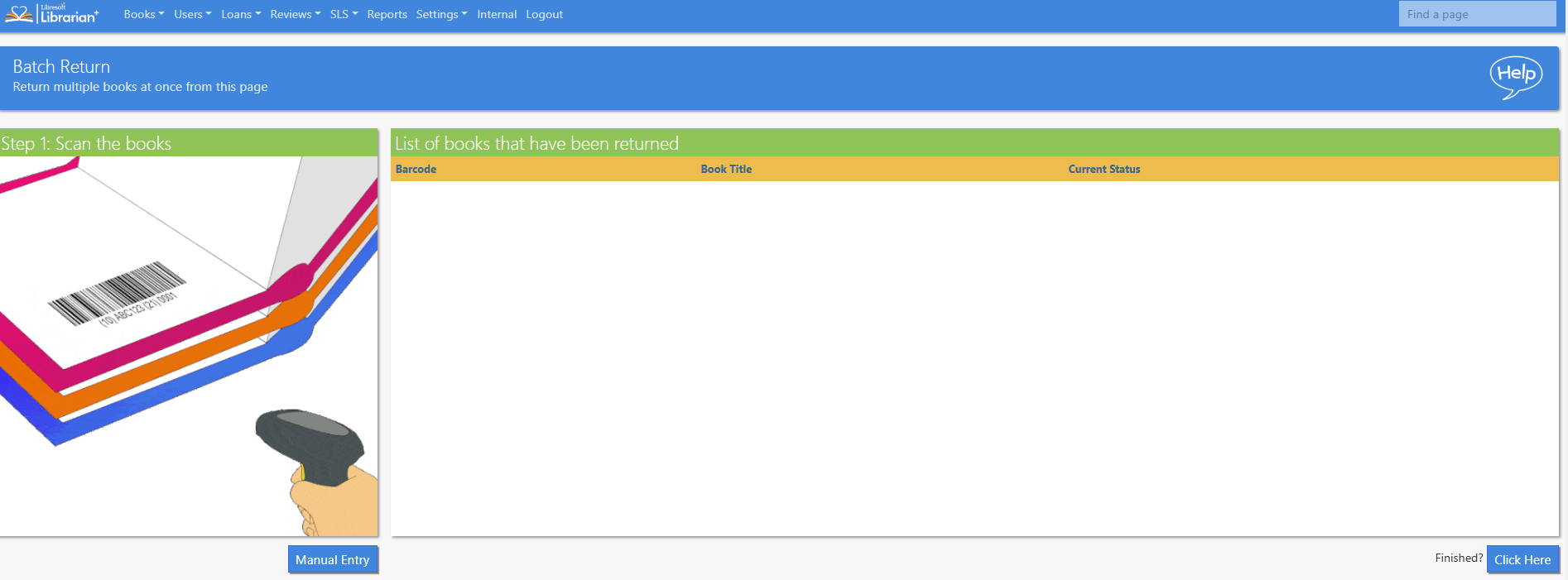
Once all the books have been scanned check the list, and click Complete Transaction.
Books can be entered manually by selecting the enter barcode manually button.
Read the Customer Help Guide on the Batch Return function.
Tasks
-
- Scan some books currently on loan to return them
- Scan a lost book
- How fast can you go, is there a limit? What happens if you go too fast?
- What happens if you scan a book that is not on loan?