

Librarians can reset system-wide passwords from the Reset Passwords page. These include:
- Their own librarian login password
- The Borrow/Return Books Only password
- The Override password
Note: This page is not used to change individual student and staff passwords. Options for changing these passwords can be found under the Users menu.
Read the Customer Help Guide on Resetting Passwords.
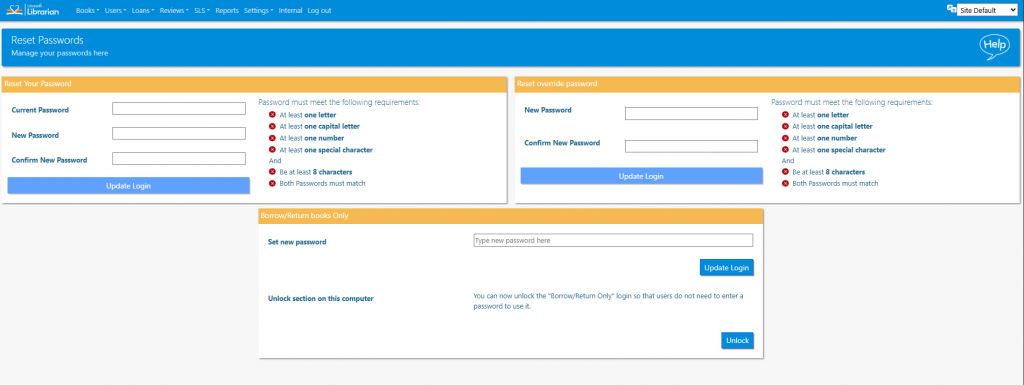
The librarian can reset their log in password and their Override password. The Override password can be used when a student reaches their loan limit or if they try to loan a book that is reserved.
The Borrow / Return books Only mode can also be unlocked for the computer that the librarian is currently logged in to. This will remove the need to enter a password when using the Borrow / Return Books Only user. Depending on the network settings at the school the computer may not “remember” this setting after a restart, so it may have to be reset each time.
Tasks
- Change the Borrow/Return Books Only password. Test it to make sure you can still log in
- Set an Override password (make a temporary note of it in Notepad). Now try to trigger the Override option when loaning a book to a library user
- Click Unlock next to the Borrow/Return Books Only Password. What happens when you try to log into this mode?