

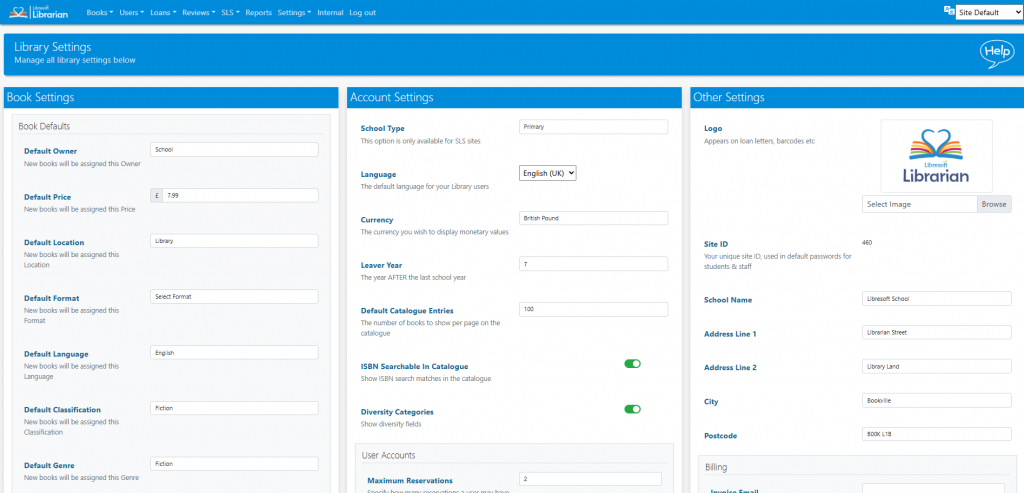
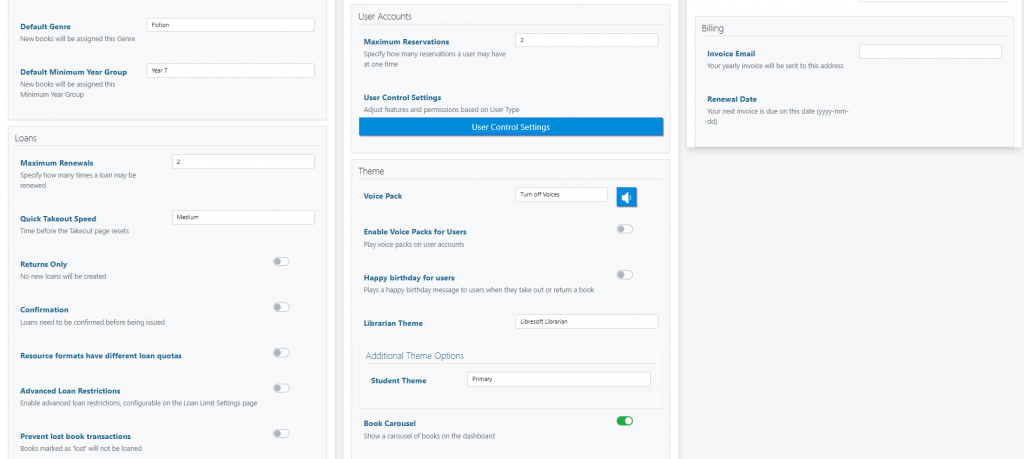
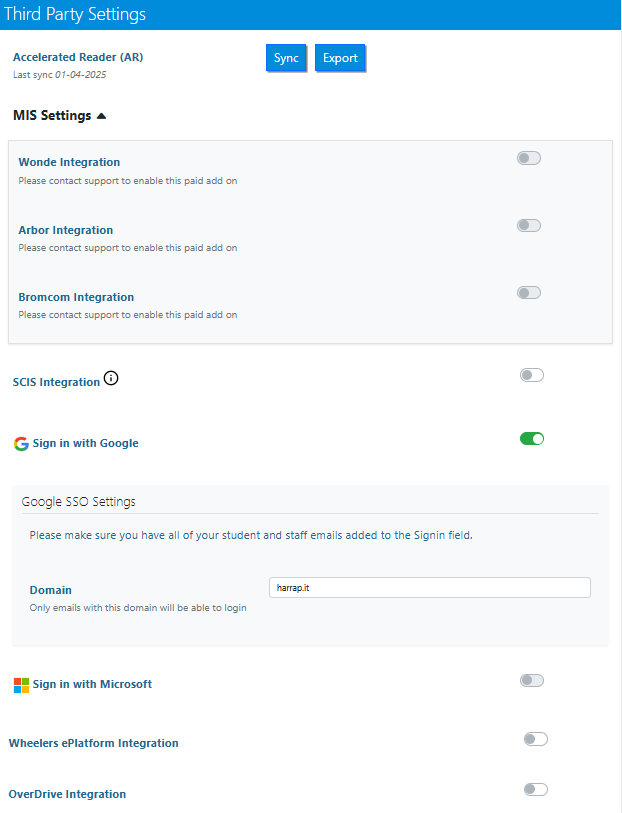
The Librarian can adjust the display and many different functions within the site from the Library Settings page.
Read the Customer Help Guide on Library Settings.
Tasks
- Explore the different themes and pick the one you like best
- Set the Catalogue page view to a default setting of 50 entries per page
- Try out the different voice packs – how do these change when you are using Quick Borrow/Return?
- Toggle on Returns Only mode. Then try to loan out a book
- Try searching for an ISBN of a book with ISBN searchable in Catalogue toggled on and off
- Change the currency on the system and edit a book price
- Toggle the Carousel off and on. Note how this changes the view on the Librarian Dashboard
- Toggle on Diversity Categories – how does this change book data? (Hint: There is a Help Guide on this on the system!)
- Toggle on resource formats have different quotas. How does this change loans?
- Toggle on restrict users with overdue loans. Try to issue a book to a student who already has an overdue loan
- Toggle on the Public Catalogue option. How does this change the home screen?