

Ofsted inspect schools and may occasionally ask for information about how the library is used. Librarians can produce a report with relevant information directly from Libresoft Librarian.
Read the Customer Help Guide on Reports.
Go to Run an OFSTED Report from the Reports menu.
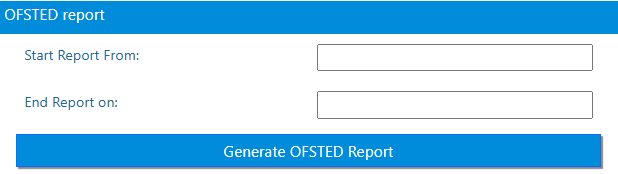
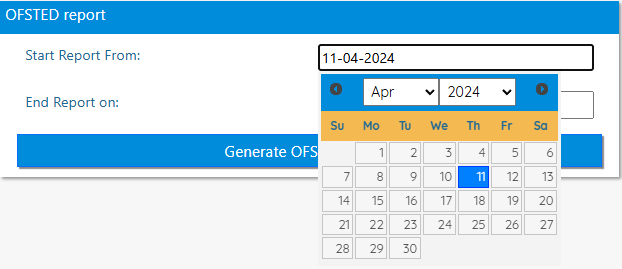
Select the start and end dates from the calendar (or entered manually in the format dd-mm-yy).
Click the Generate OFSTED Report button to generate the OFSTED report.
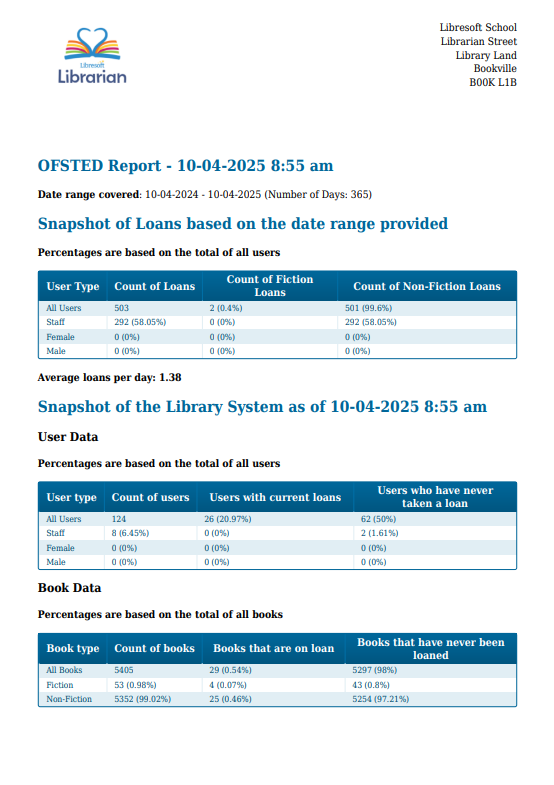
These statistics may also be of interest to the librarian on a more regular basis.
Tasks
- Run an Ofsted report from Sep 2024 to today